

Execute Faster
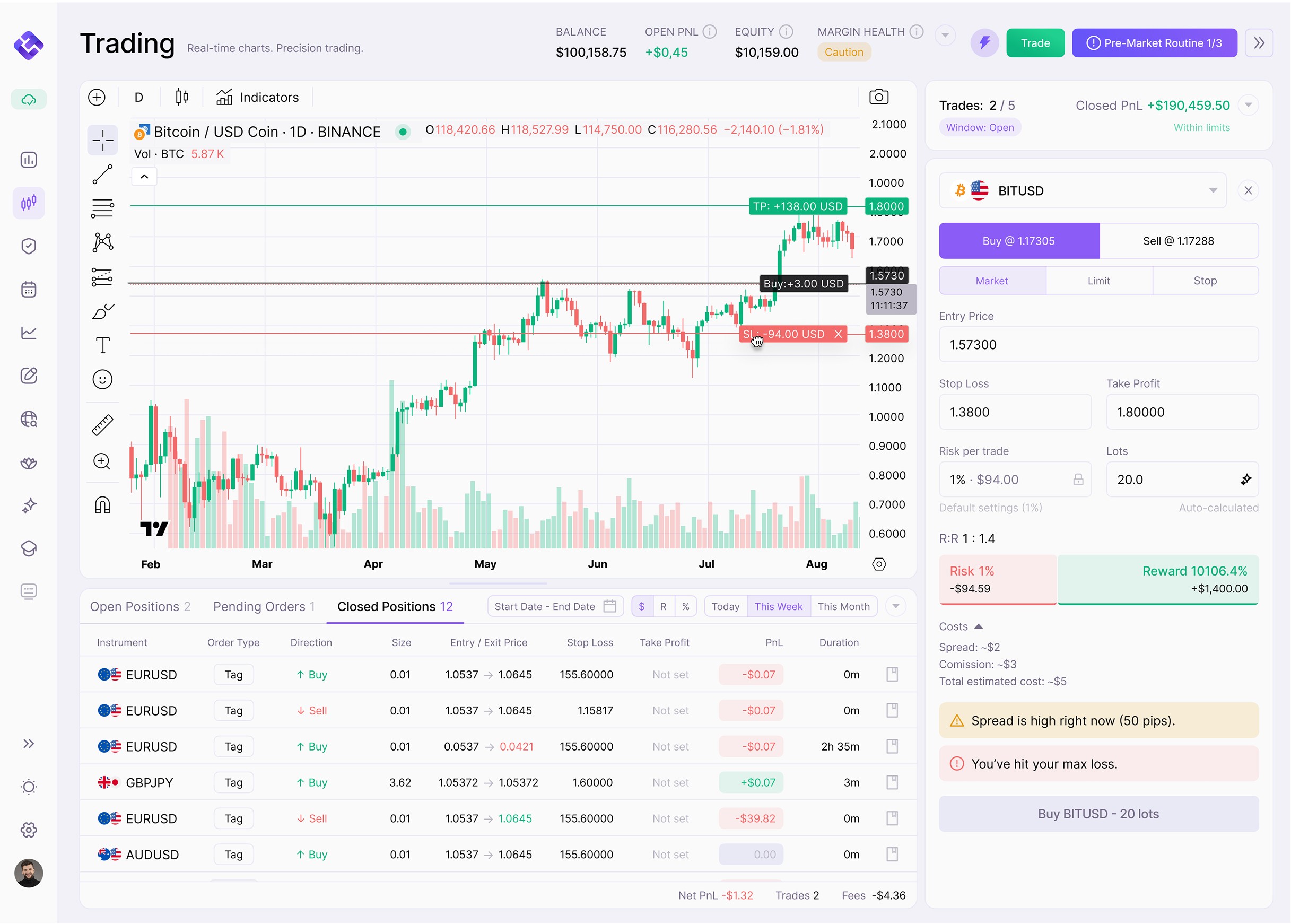
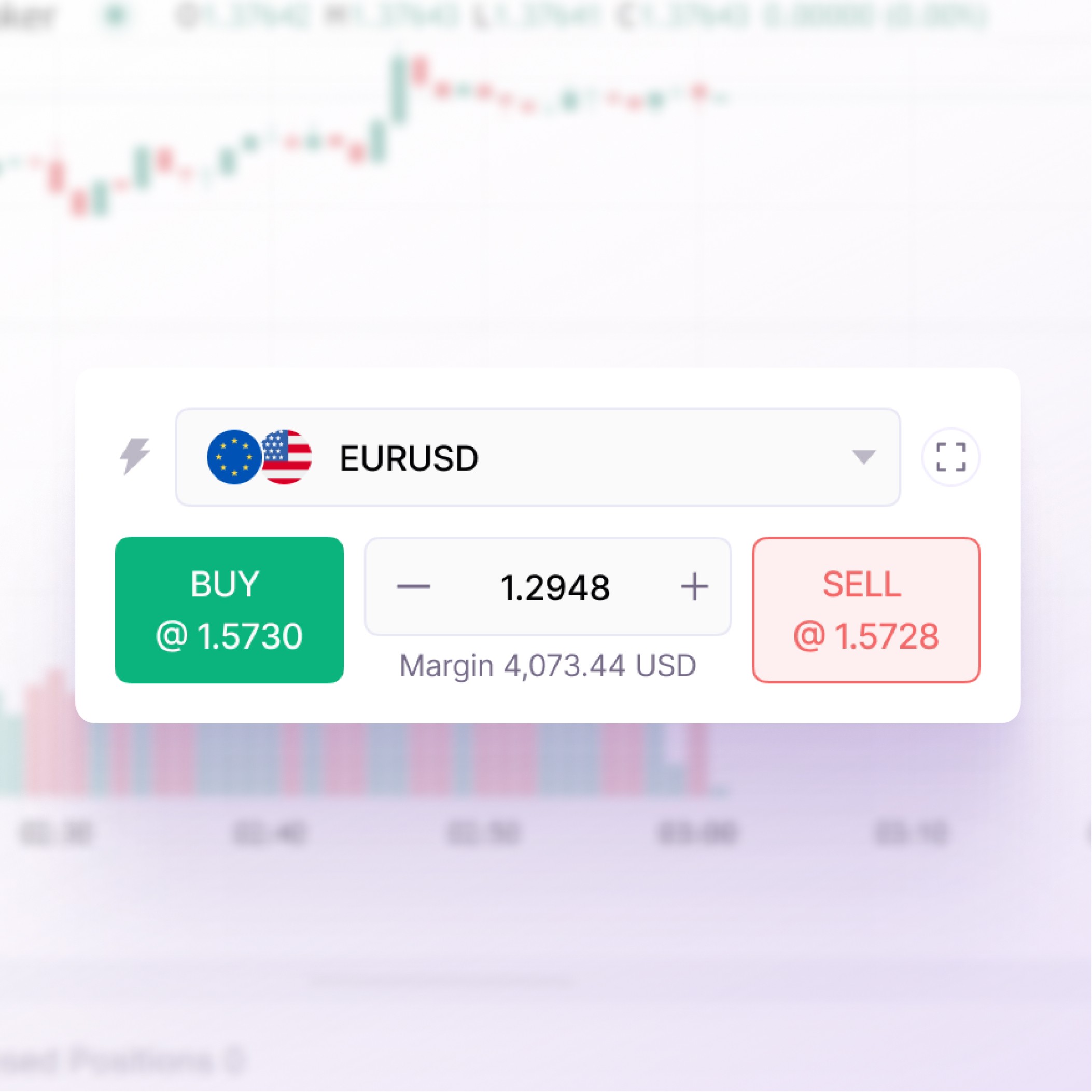
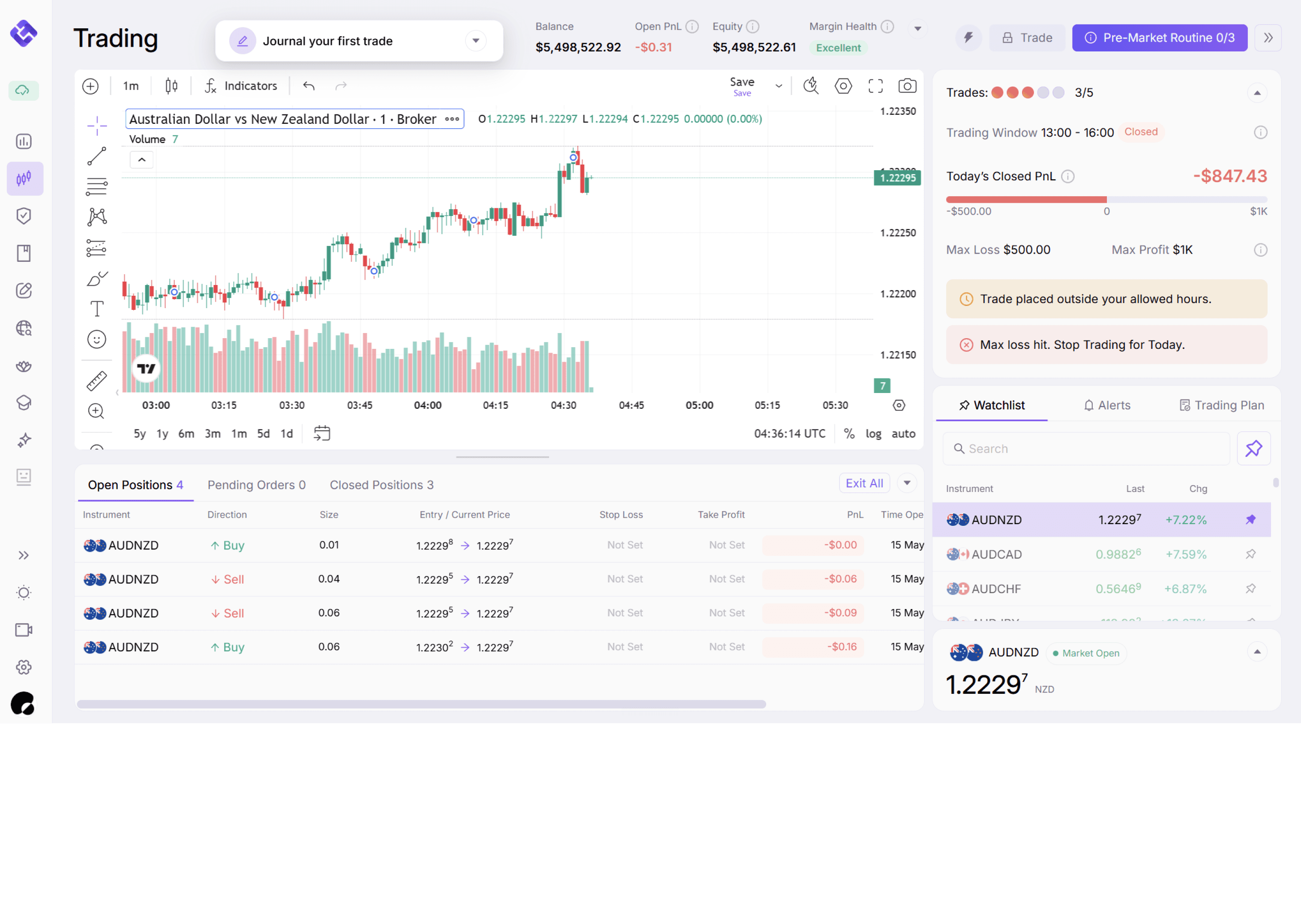
Trade directly from your chart with your broker connected, order panel ready, and all key trade controls in one place.
Size With Precision
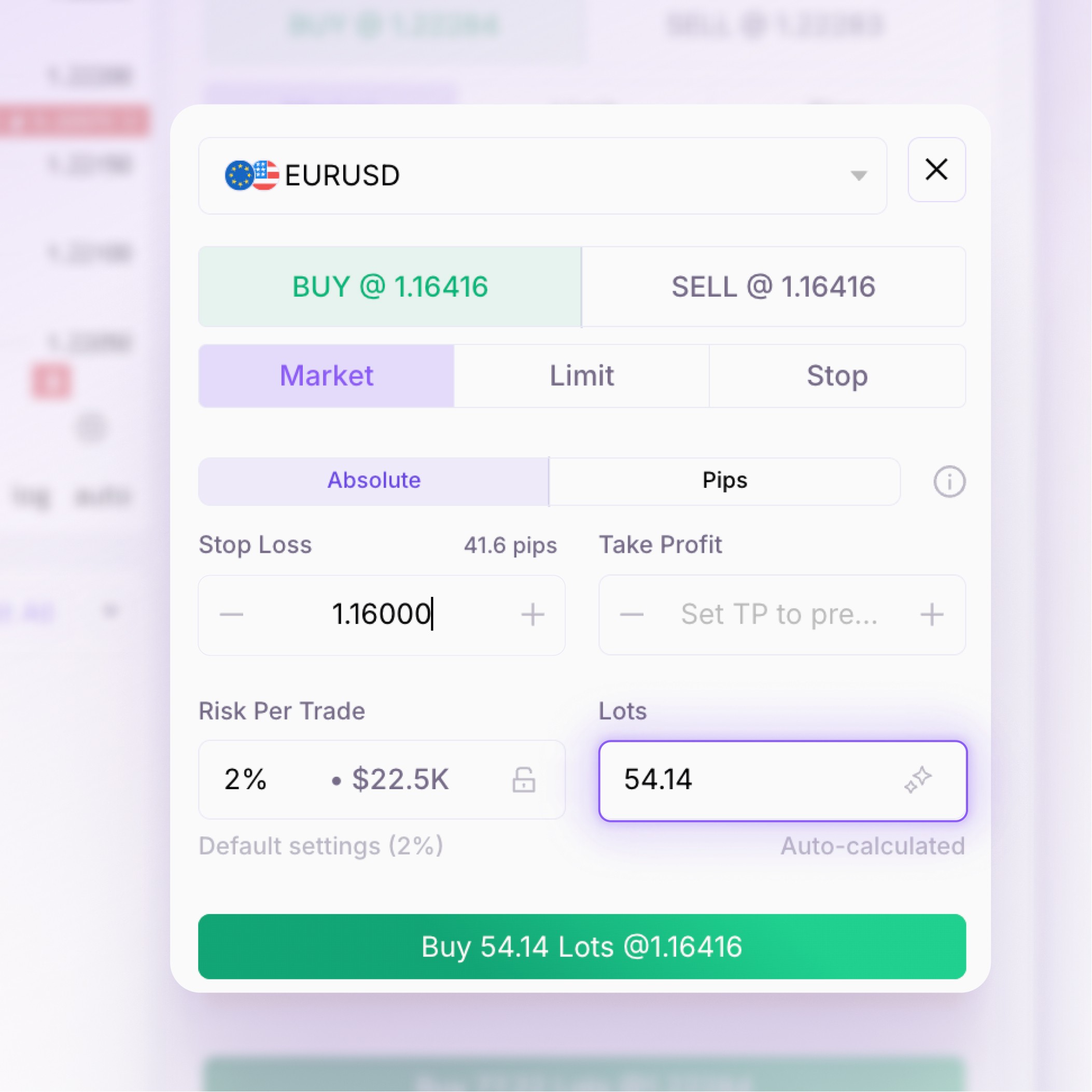
Set your risk, entry, stop loss, and target. EdgeFlo calculates your lot size before the trade goes live.
Manage With Control
Adjust open trades, monitor risk, and stay aligned with your plan without jumping between disconnected tools.
Most platforms help you trade.
EdgeFlo helps you trade better.
Ordinary Trading Platforms
✕
You guess lot size manually
✕
Risk calculator sits in another tab
✕
Rules are separate from execution
✕
You enter before fully checking risk
✕
Trade review happens later, if at all
EdgeFlo Trading Platform
✓
Lot size calculates automatically inside the order panel
✓
Risk and reward are shown before entry
✓
Guardrails stay connected to execution
✓
Trade with your plan next to you
✓
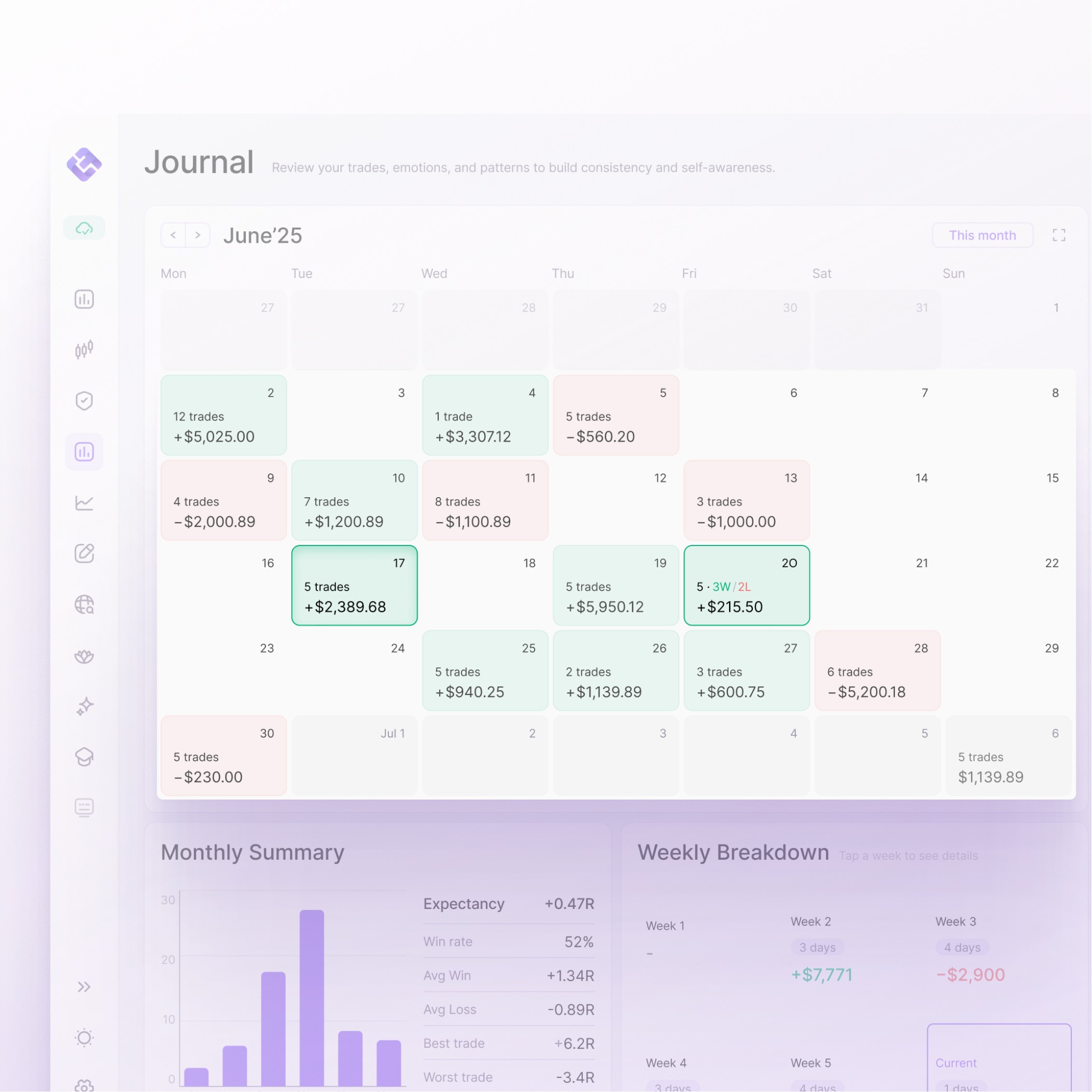
Every trade flows into your journal for review
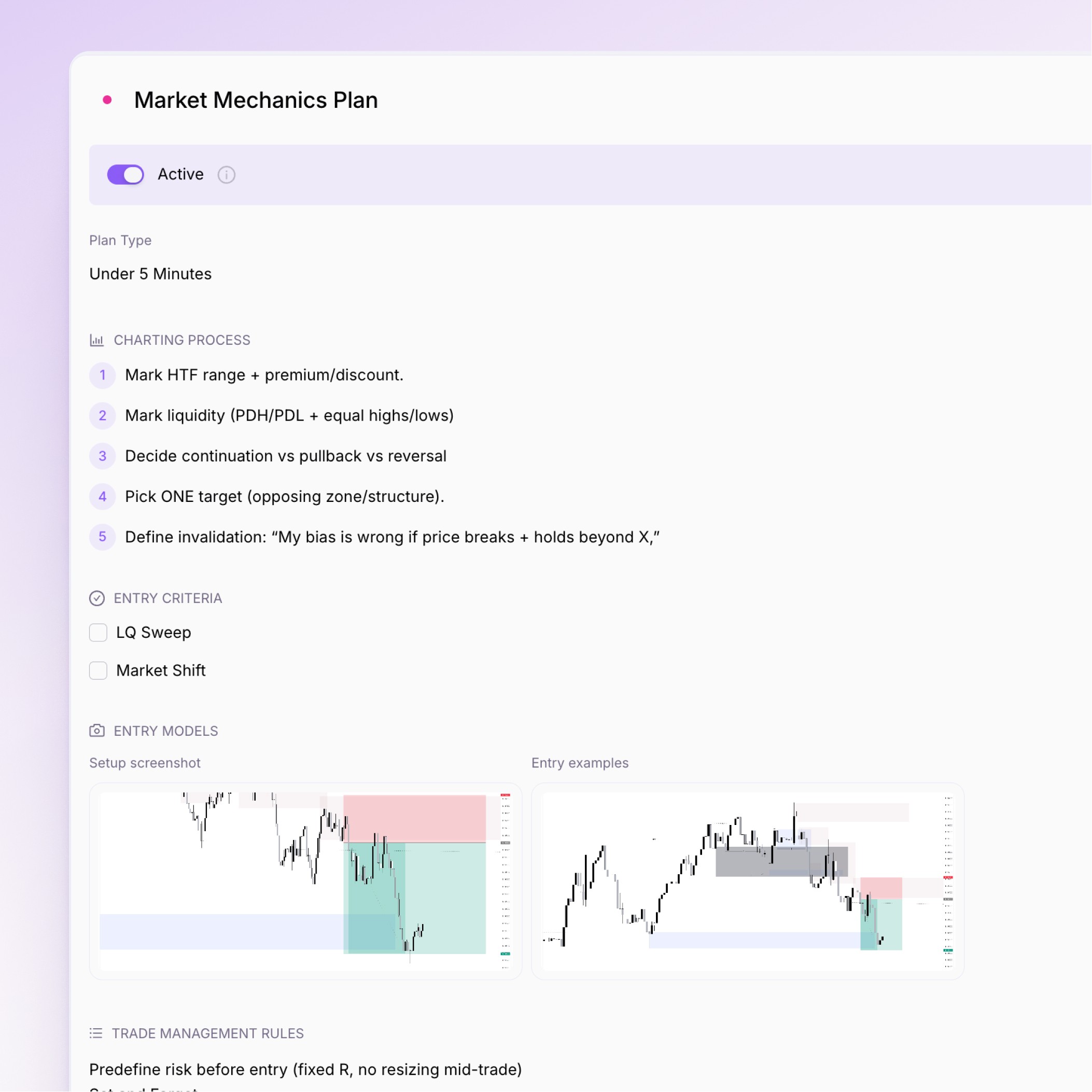
Your trade plan, in action.
Build your rules, checklists, and entry criteria, set a plan active, and track how it performs over time.
Everything you need before,
during, and after the trade.
EdgeFlo keeps your full execution process in one place — plan the trade, calculate your risk, place
the order, manage the position, and review what happened after.
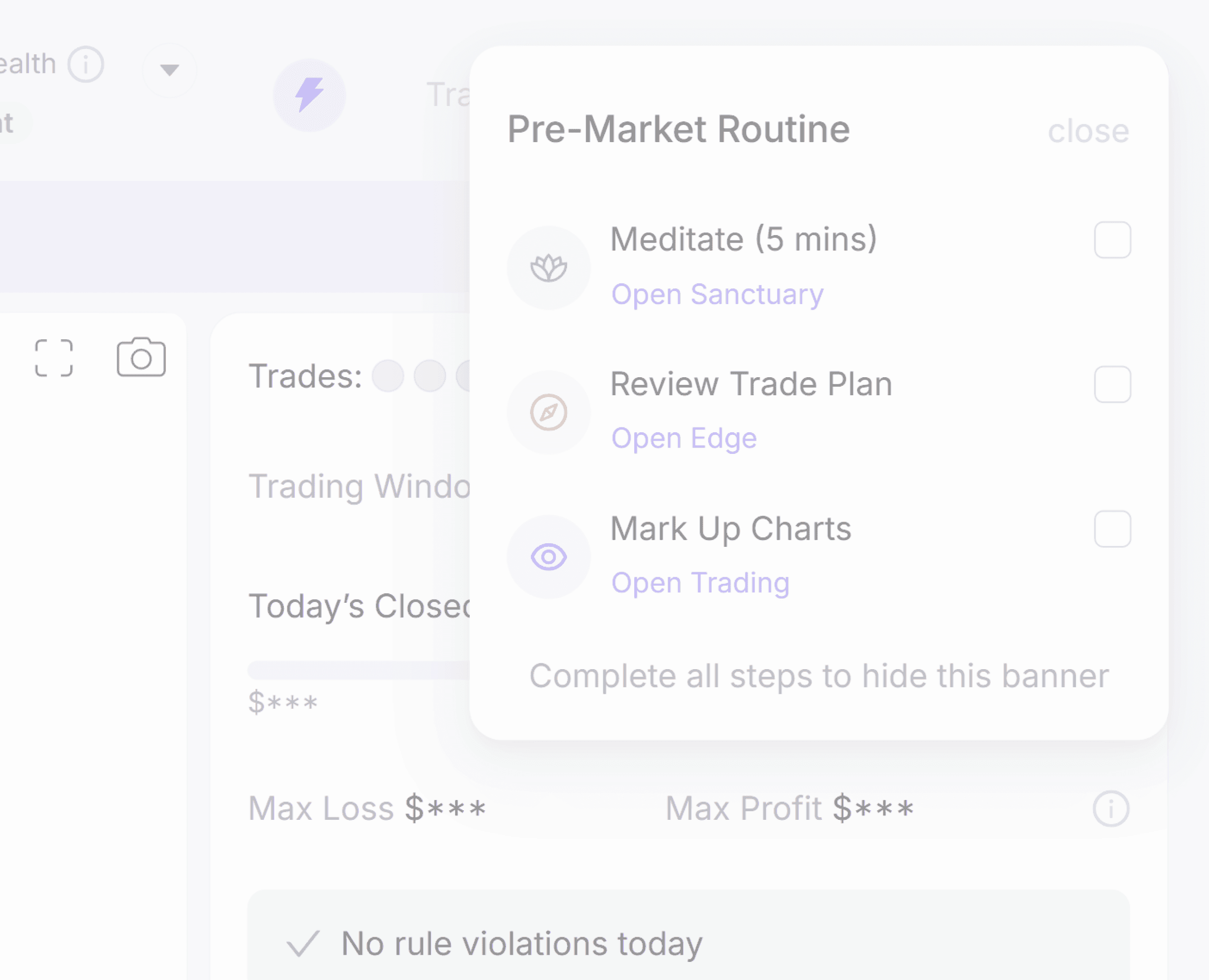
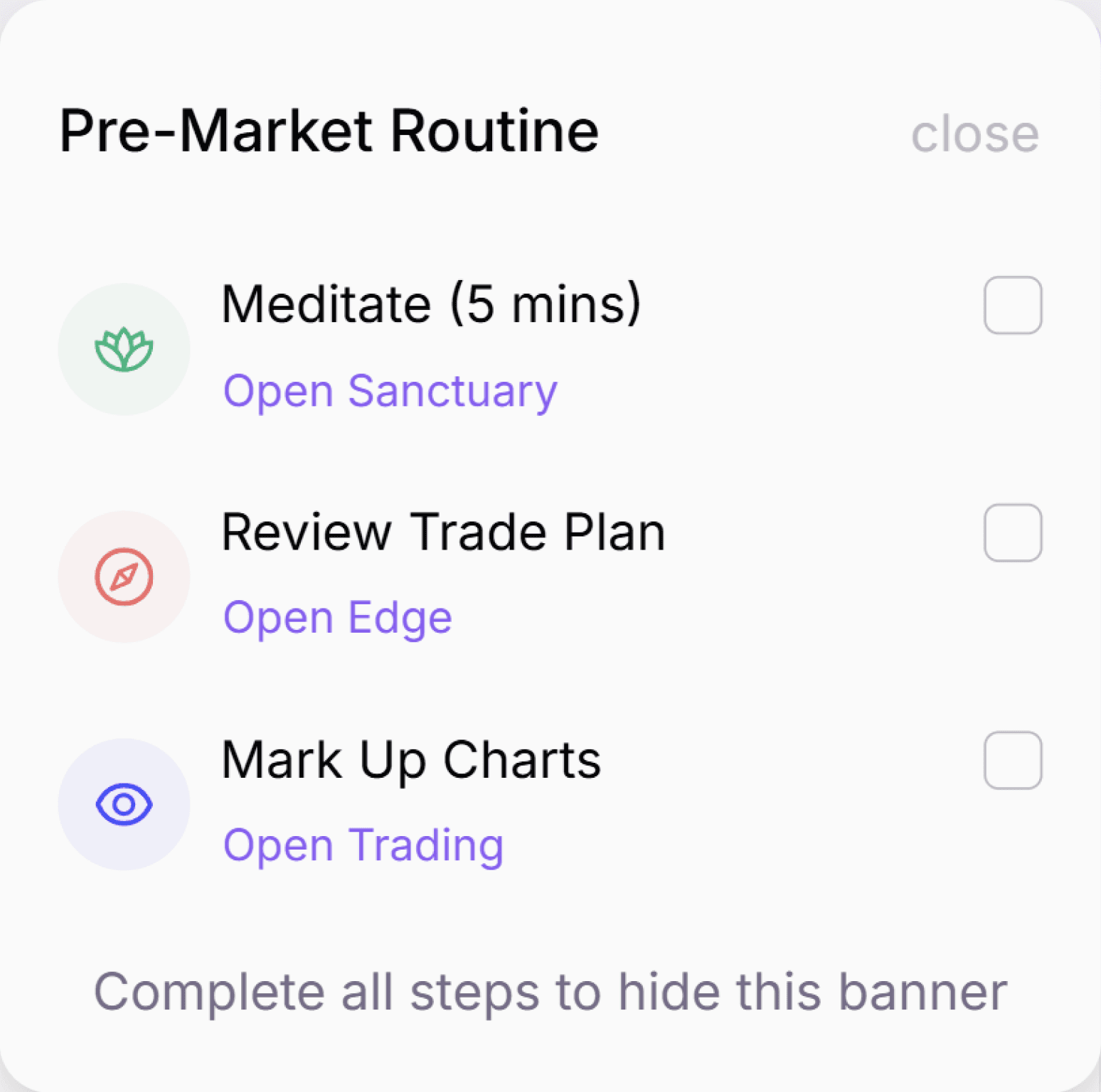
Pre-Market Routine Banner
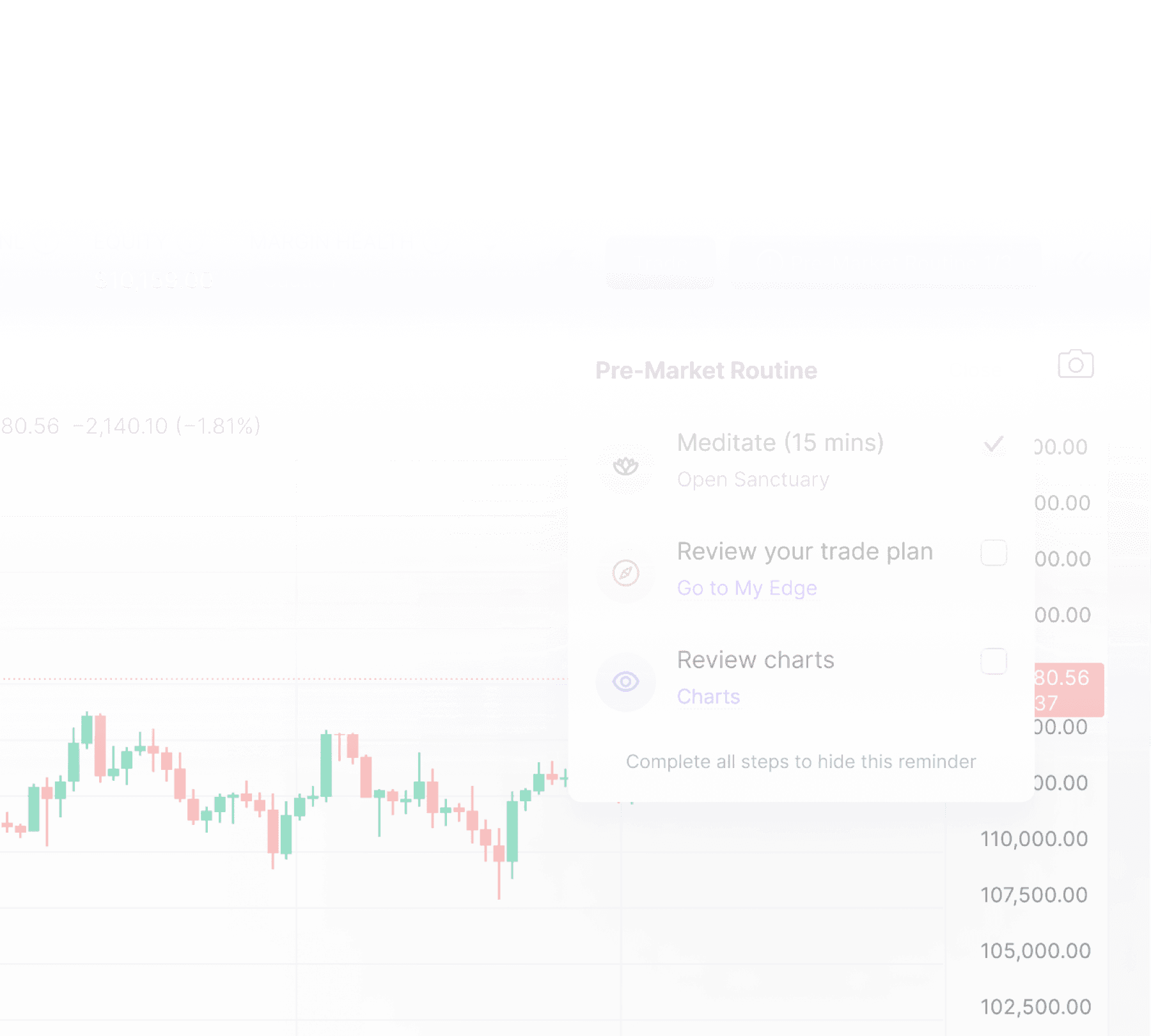
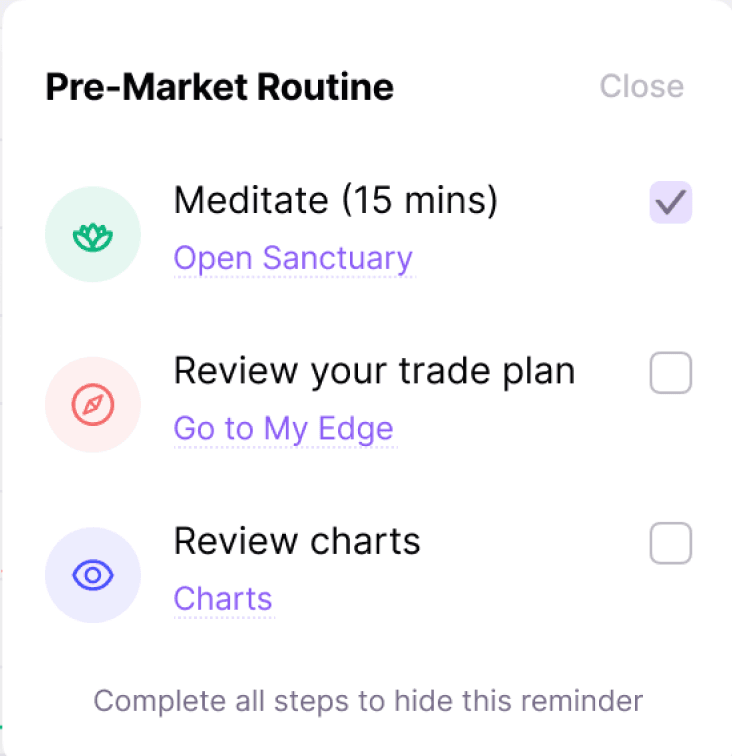
Start every session with your routine, bias, and plan clear before the first trade.
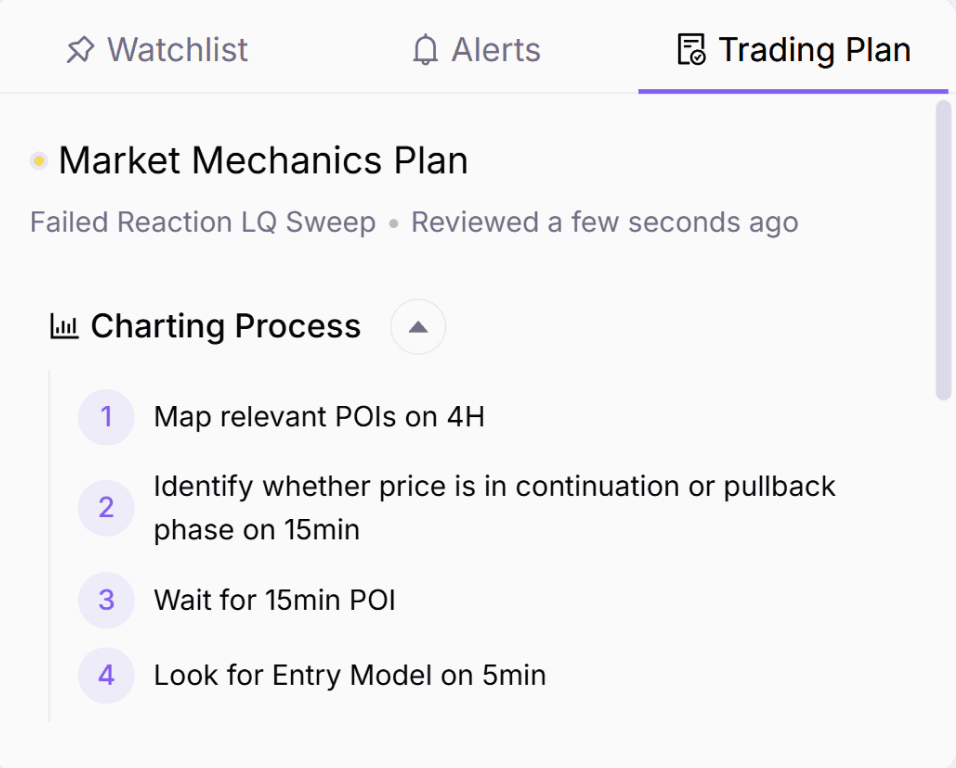
Trade Plan Beside Your Chart
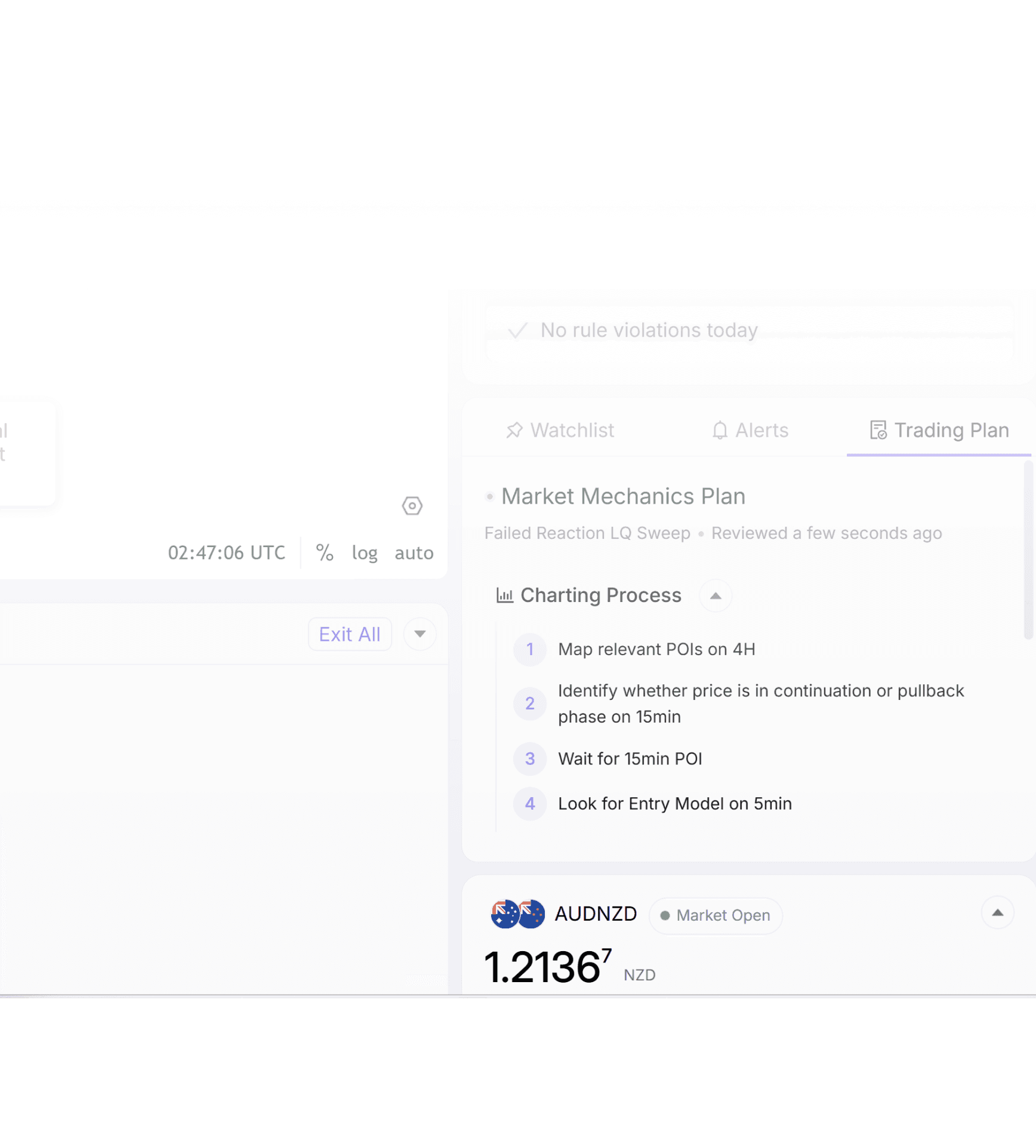
Keep your entry rules, management criteria, and invalidation points visible while you execute.
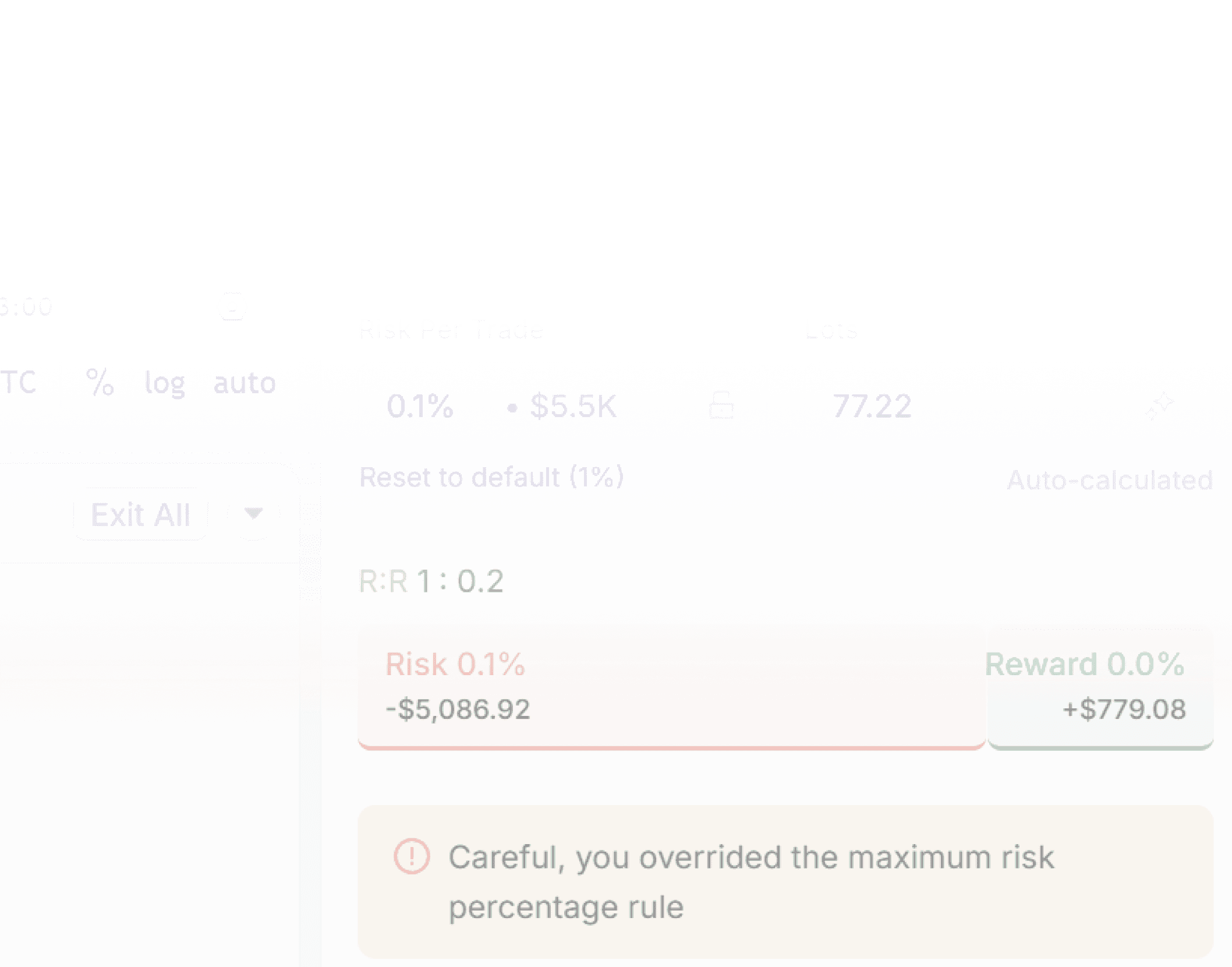
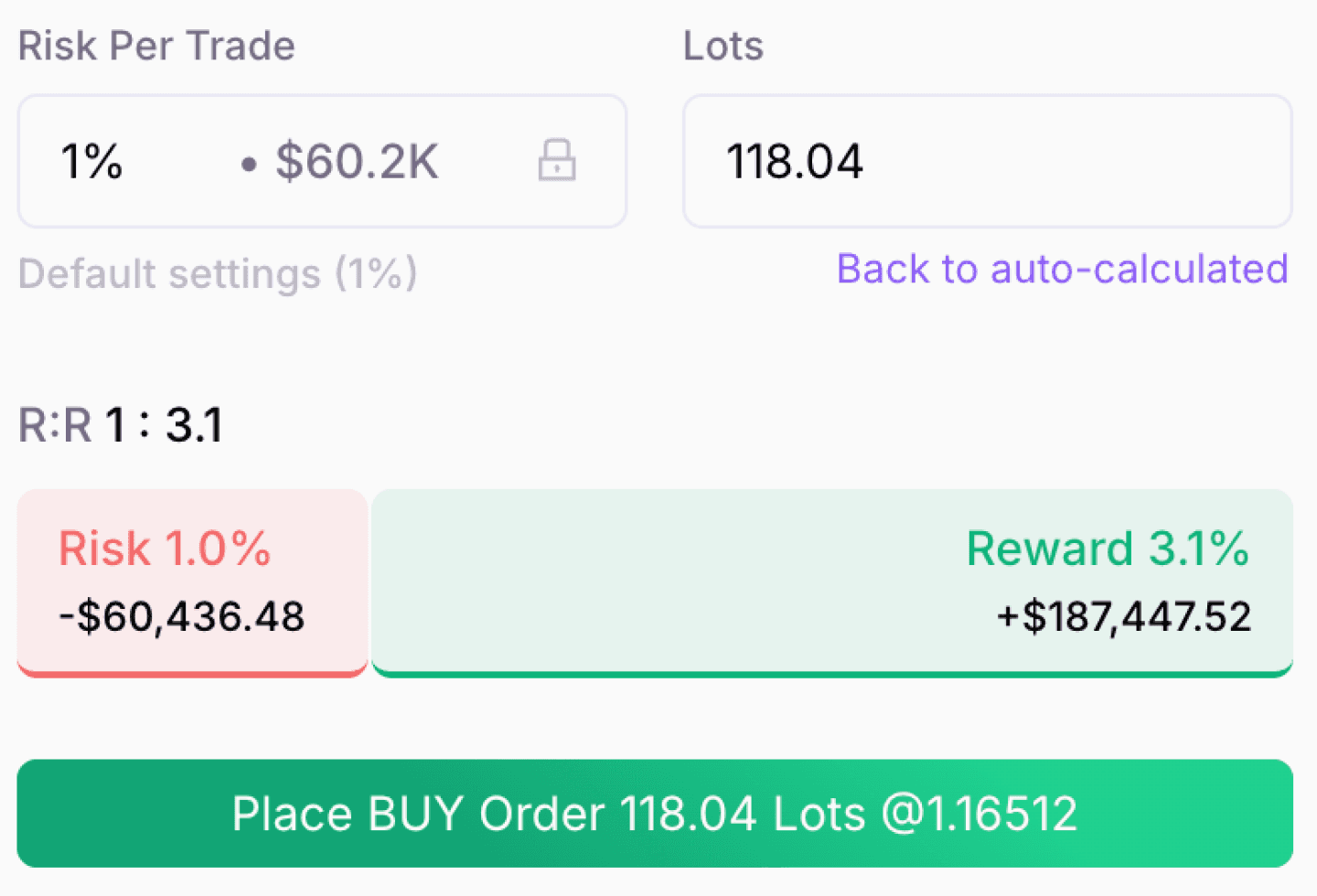
Auto Risk Sizing
Calculate lot size, potential loss, reward, and R:R before the trade goes live.
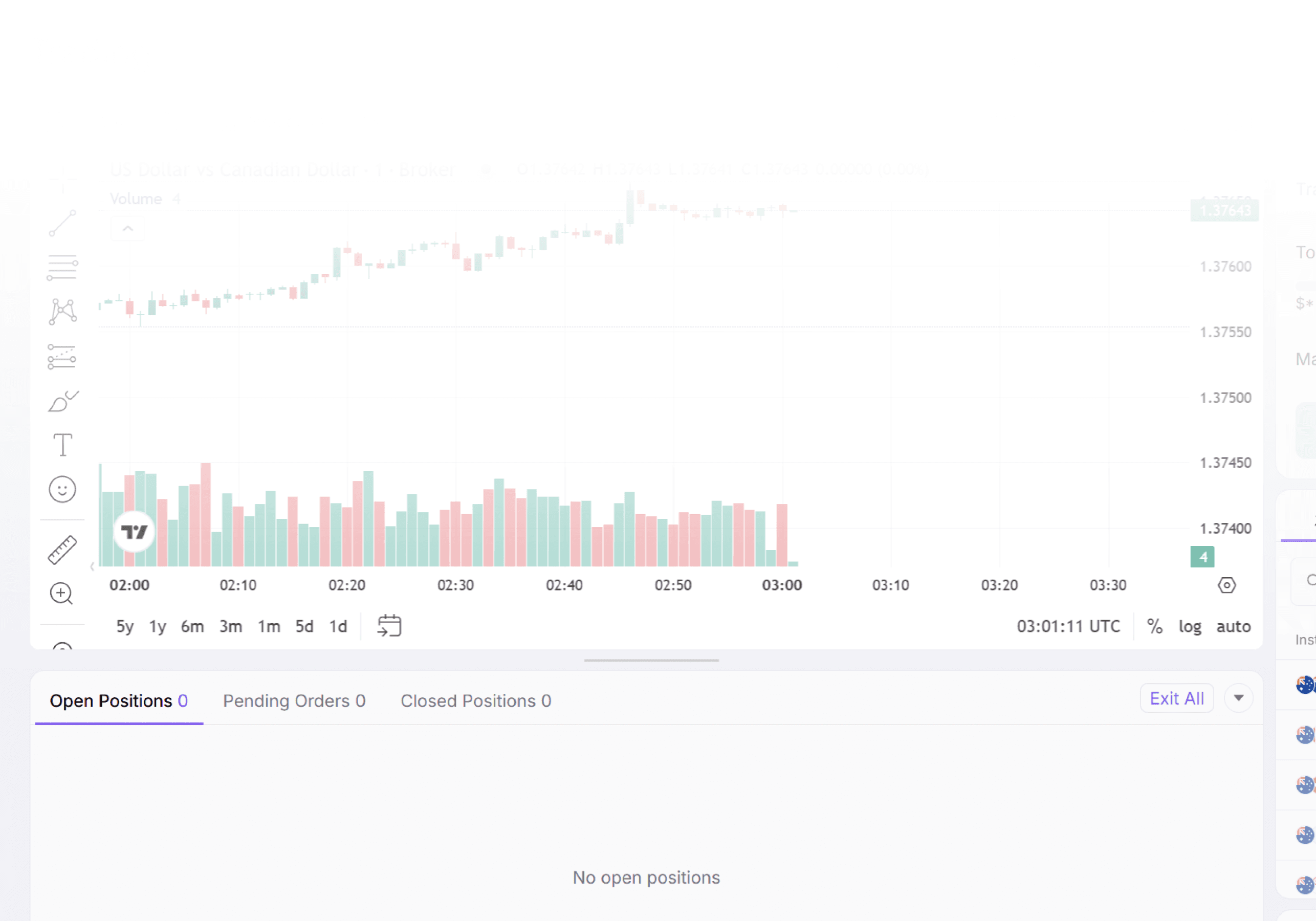
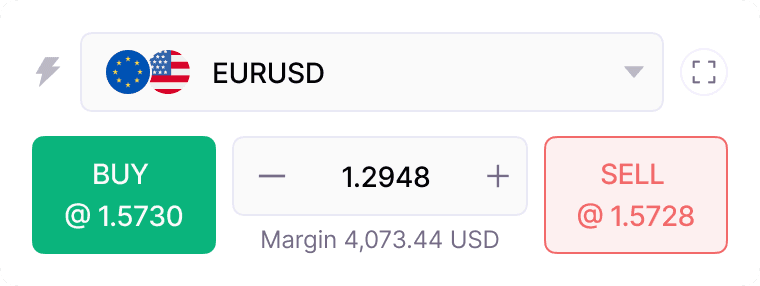
One-Click Trading
Execute fast with saved risk settings, without re-entering everything under pressure.
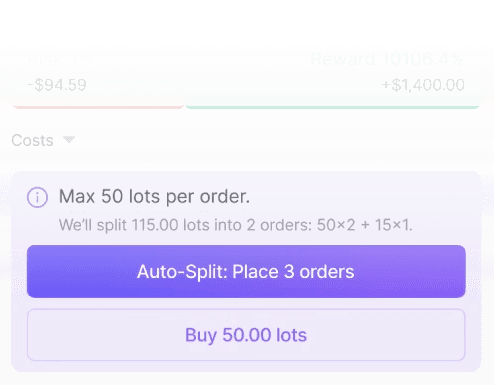
Auto-Split Large Positions
Split large orders into broker-friendly child orders while keeping them tracked as one trade.
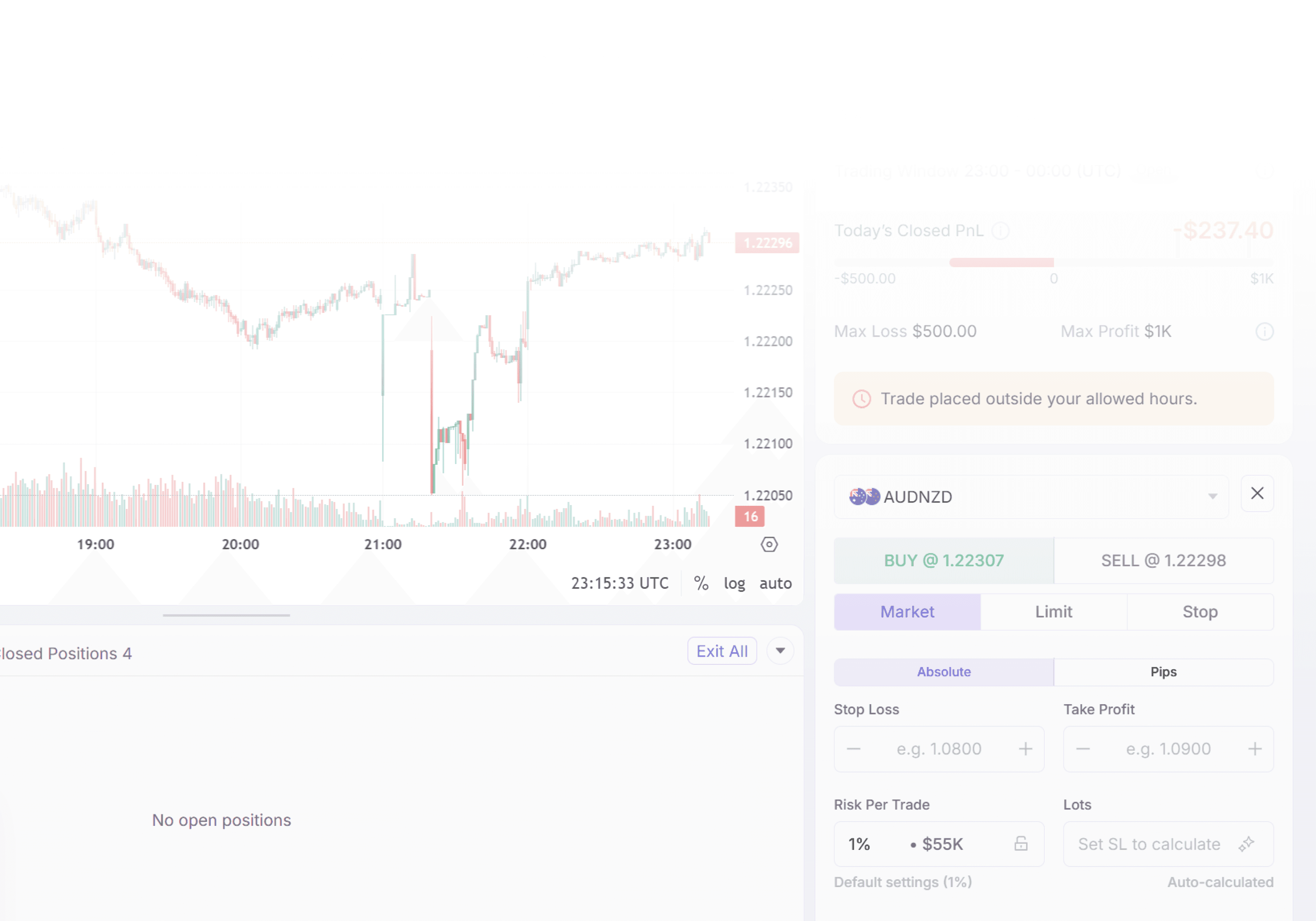
Discipline Guardrails
Check max trades, max loss, profit targets, trading windows, and news restrictions before execution.

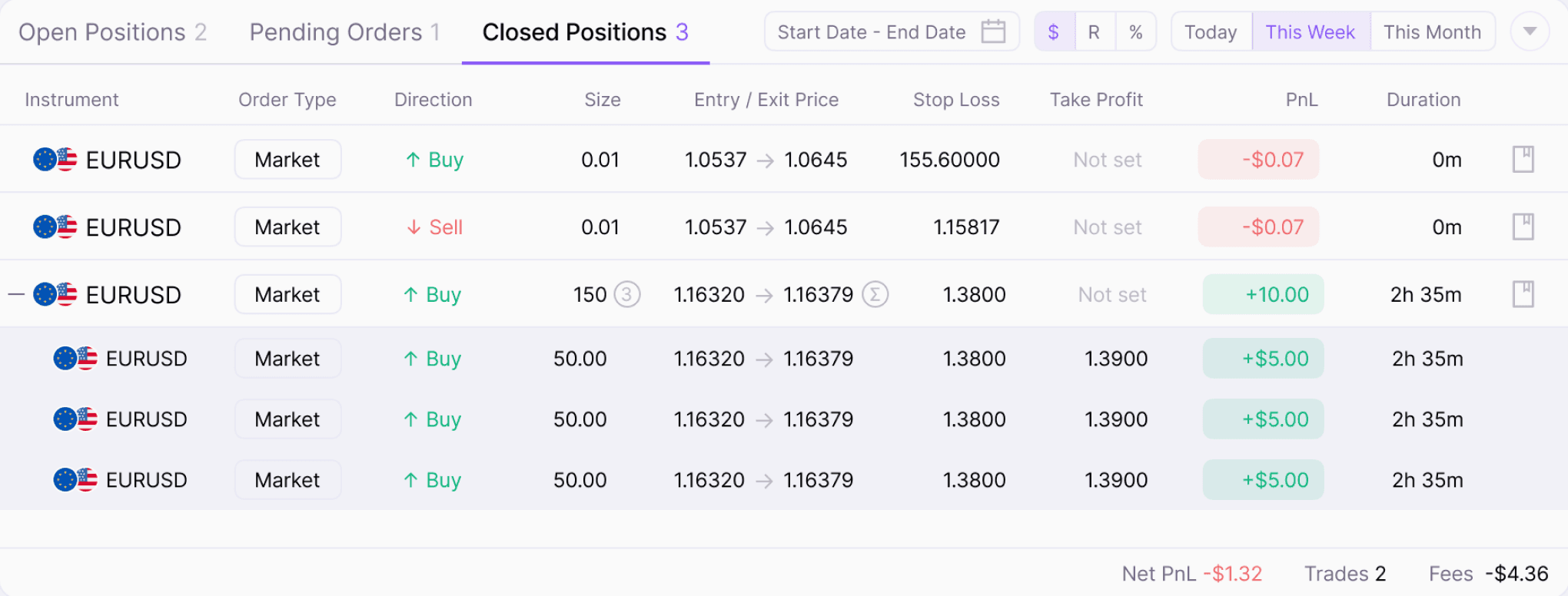
Manage Open Trades
Move stops, adjust targets, take partials, and close positions from one clean workspace.
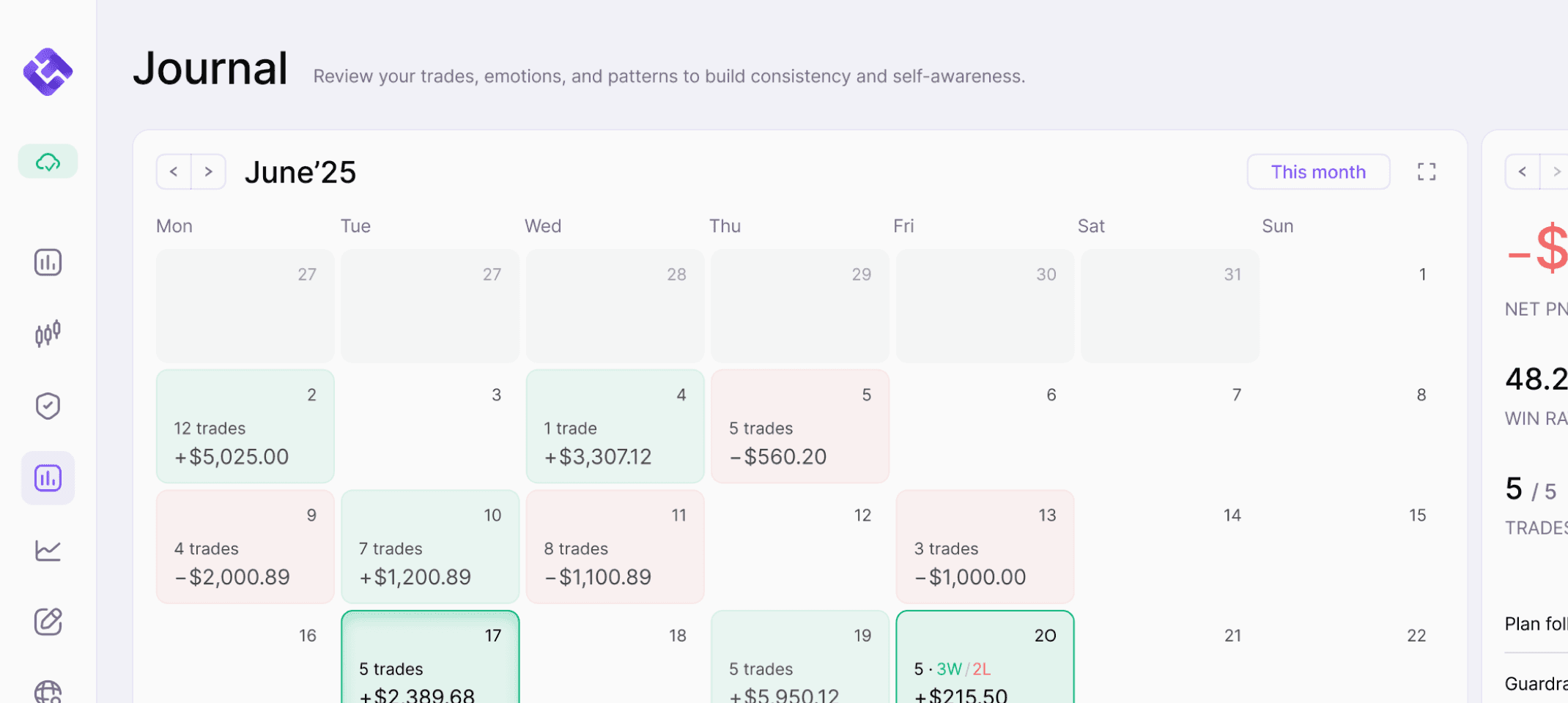
Auto-Import Into Journal
Your trades are saved into your journal automatically, so you can review them later without typing everything in yourself.
Pre-Market Routine
Economic Calendar
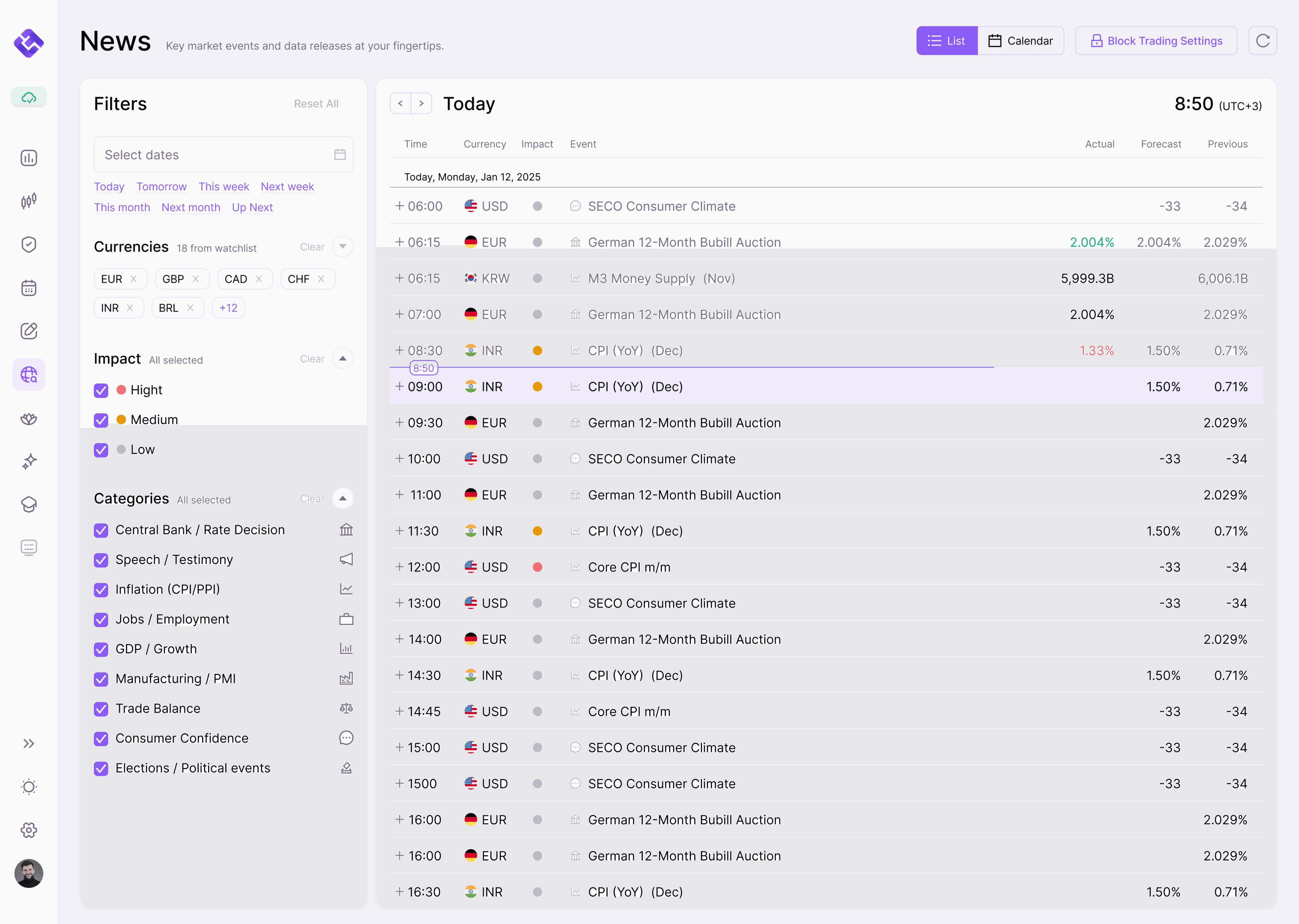
Know what news could affect your trades.
Watchlist-Aware Calendar
See economic events related to the pairs and markets you actually trade, without the irrelevant macro noise.
High-Impact Event Alerts
Spot major events like CPI, NFP, FOMC, rate decisions, and GDP at a glance before they move the market.
List & Calendar Views
Scan today's events in a clean list or plan your trading week from the calendar view.
News-Based Trade Blocking
Pause trading before and after major news events, so you don't enter during dangerous volatility windows.
Connect your trading account in minutes.
EdgeFlo syncs with supported brokers so your trades, positions, balance, and journal stay connected
across the full trading flow.

EdgeFlo supports Forex, Commodities, Indices, Crypto and Stocks on compatible brokers.
Trading Platform FAQ
Is EdgeFlo worth the cost?
Can I place live trades through EdgeFlo?
Can I use EdgeFlo with a demo account?
Which brokers does EdgeFlo support?
Does one-click trading bypass my risk settings?
How does EdgeFlo calculate my lot size?
Can I adjust my stop loss and take profit after entering?
What happens if I hit a Guardrail while trading?
Will my trades be saved into the journal automatically?
Can I use my trade plan while trading?
What if I take trades outside EdgeFlo?

Think Different, Trade Different.